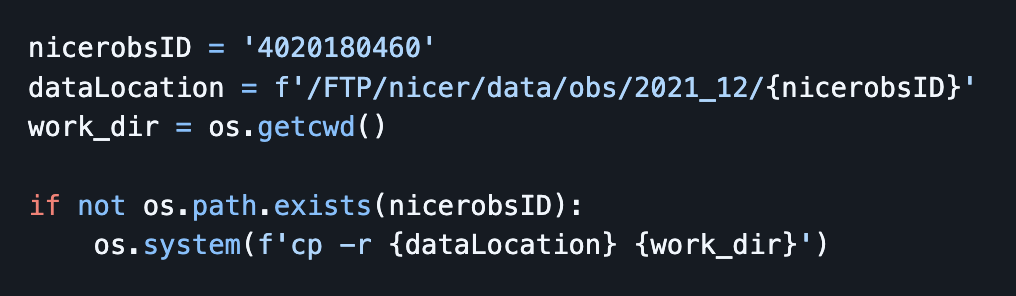
However it seems for Fornax I need to access the data via AWS. It suggests here to use s3fs in the fornax documentation, but s3fs doesn’t seem to be installed on my server. I tried to install it via pip but the jupyter notebook still doesn’t find it. Any help for accessing data on heasarc is appreciated.
We had a discussion on adding s3fs. Although it mounts the data buckets locally, it does not behave like what we have setup on Sciserver, and it can cause the software to fail. Fundamentally, S3 storage on AWS is not a file system.
Since you are going to copy data anyway, you may want to update the above workflow to something like:
Sorry this is may be a dumb question, but once I pip install in terminal, the jupyter notebook instances (even new ones) don’t seem to find the newly installed package. How do I get them to find the new package?
One can still use s3fs as a Python module though right? Without doing any mounting. I don’t think that is what @harej10 was asking. I think what @harej10 was encountering was likely pip installing into a different environment than what the notebook was being run in. You can check by running !which pip and change the kernel you are running in accordingly. If you want to change the pip environment, I recommend opening a terminal and being in the environment you would like to be in before running your pip install <package>. Then try in the notebook of the same environment again. It should work.
You can still access FTP data on Fornax. It does not need to be via AWS.
Yes, I guess usually on my machine when I pip install it installs with the same pip which the notebook is running on, so I restart the notebook and the package is there. I guess there are reasons this isn’t the case here, I’m just not used to it.
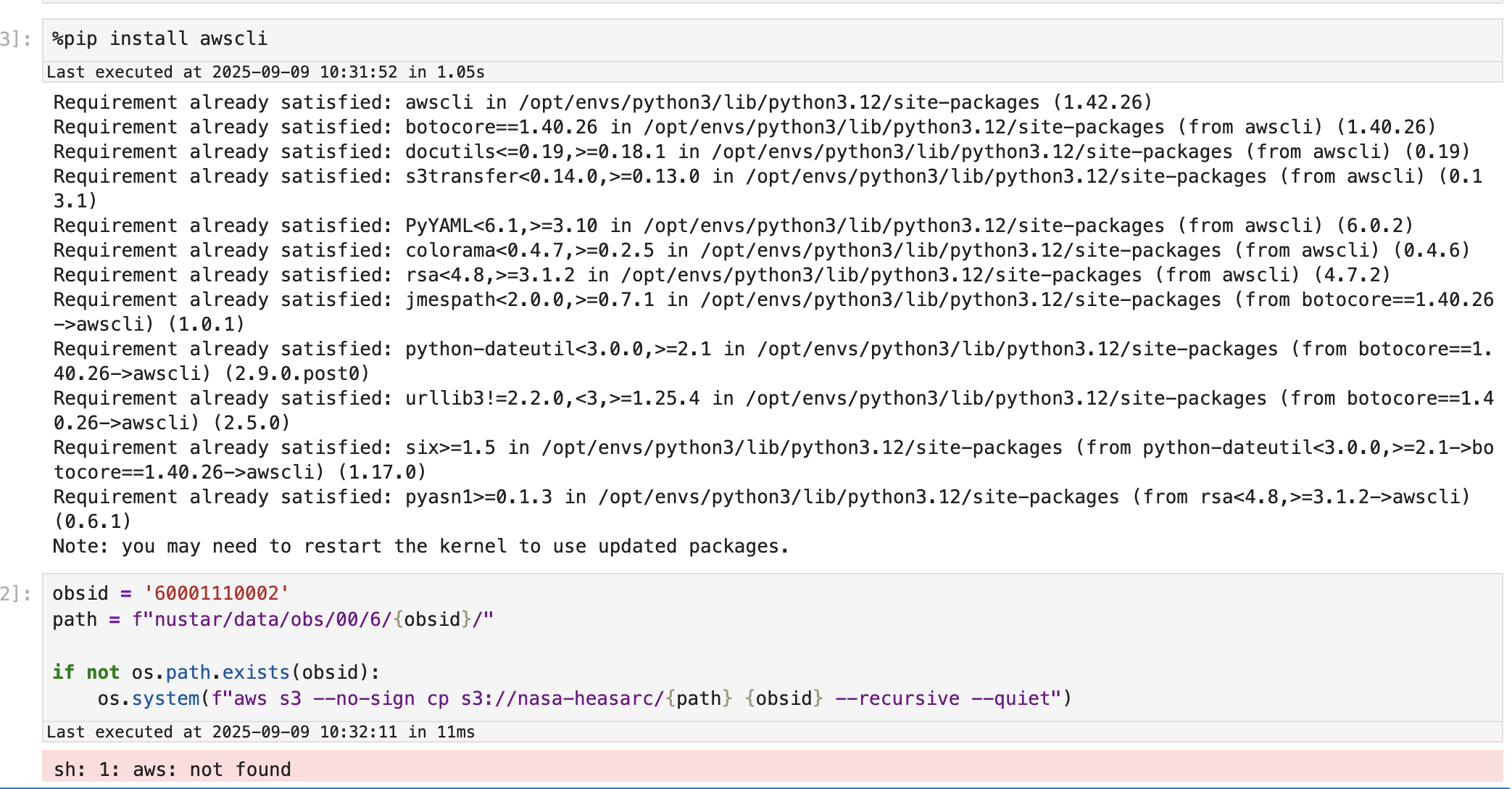
Somehow it closed my server and when I opened a new one all of the data I copied over is gone…. I re-pip installed awscli and restarted the notebook several times and am getting the following error now:
Googling suggests its due to awscli not being installed, but when I run pip it says its installed. Any suggestions for fixing this? Or any idea where my data may have gone to?
Unfortunately, if you start a new session, you may have to re-install packages added to the default environments. We will add awscli to the image with our next update so it persists.
Also, the issue you are having is that the package is not installed in the same kernel running the notebook. The easiest way to add packages to the notebook environment is to do %pip install awscli in a cell at the top of the notebook itself.
I did install it in the notebook and restarted the kernel multiple times but still isn’t finding it. I basically followed the steps suggested above and it worked the first time, now I am following them again and its not working this time.
This image was taken after a kernel restart after running the pip install command
Ah OK, that explains it. I just started a new heasoft kernel and followed the same steps and it worked this time. I guess I accidentally clicked the python3 kernel when my server reset.
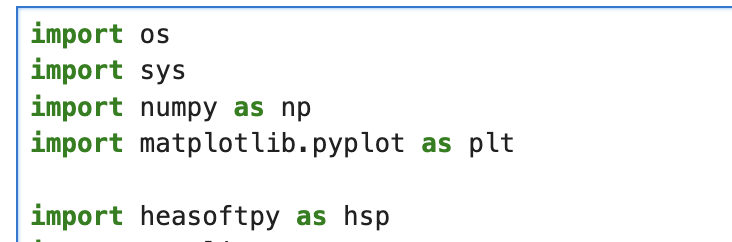
Sorry maybe another dumb question, but in the python3 kernel I was still able to run the import for heasoftpy without any error being thrown. So does the python3 kernel still have heasoft installed?
heasoft is a conda environment that is initialized globally in the high energy image by default, and then python3 may activated on top of it.
Generally, environments activated this way may have packages that conflict with heasoft and so heasoft tasks may fail. I think in this specific case, it may be ok, but generally, it is recommended to use the heasoft kernel for notebooks that need heasoft tasks.
I suppose it also depends when exactly heasoftpy runs a check for the presence of HEASOFT, and how it does it - the heasoft conda/micromamba environment should run the unset script for heasoft when you switch to the python3 kernel?
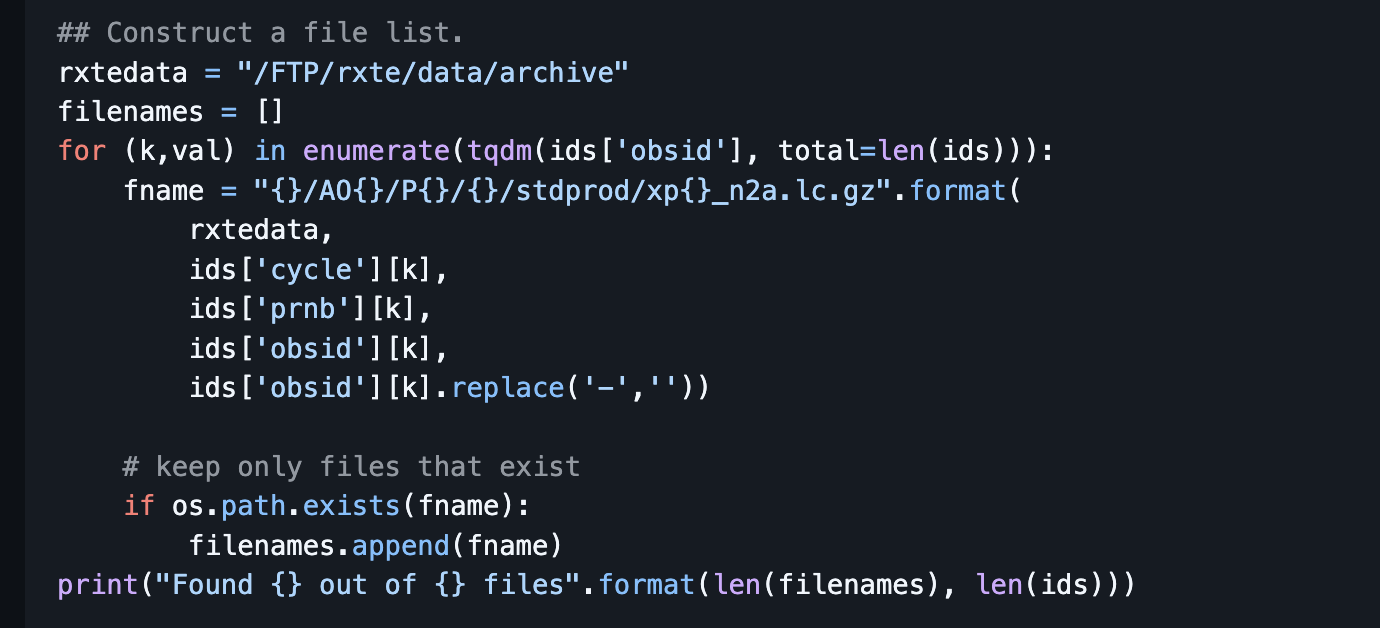
Please let me know if you would prefer I open new threads for each of my questions, but for now I will keep posting here. Can anyone offer advice how to convert the RXTE data download shown in the sciserver notebook to an aws download? I have never really used RXTE data so not sure how the id values are stringing together for the download, but this seems like a good use case for me for Fornax. Thanks!
We are in the process of updating those notebooks for workflows that are relevant for Fornax.
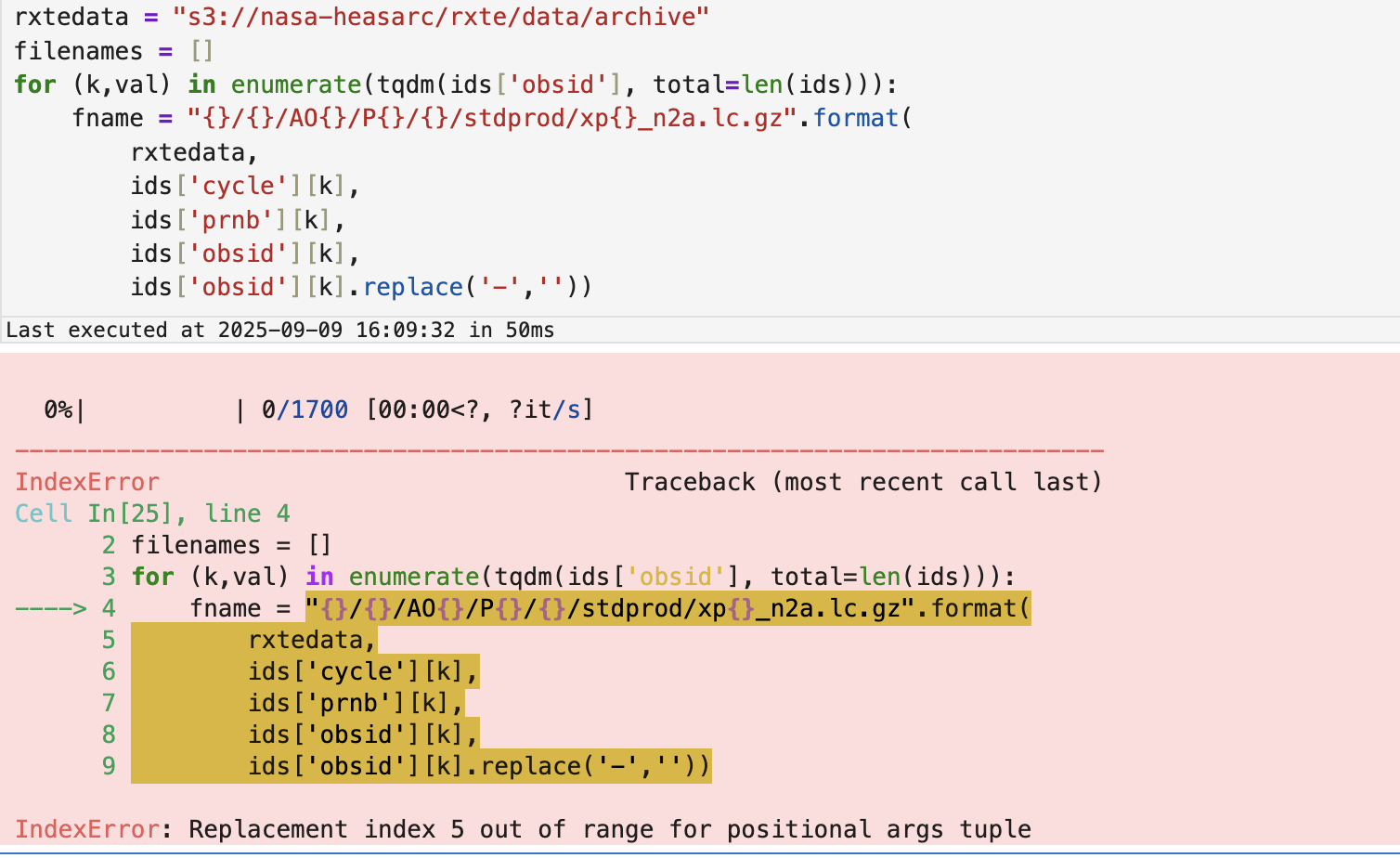
There are multiple ways of doing this. First we update the links to the light curve files.
rxtedata = "s3://nasa-heasarc/rxte/data/archive"
filenames = []
for (k,val) in enumerate(tqdm(ids['obsid'], total=len(ids))):
    fname = "{}/AO{}/P{}/{}/stdprod/xp{}_n2a.lc.gz".format(
        rxtedata,
        ids['cycle'][k],
        ids['prnb'][k],
        ids['obsid'][k],
        ids['obsid'][k].replace('-',''))
    filenames.append(fname)
Now, you can either download them using the aws command line like above, or better, access them directly with astropy.fits.io:
(Note: this step may require installing s3fs with pip install s3fs in the heasoft environment)
# In the next cell, add a try-catch in case the file does not exists.
# With fsspec, we can open the s3 link directly.
lcurves = []
for file in tqdm(filenames):
    try:
        with fits.open(file, use_fsspec=True, fsspec_kwargs={"anon": True}) as hdul:
            data = hdul[1].data
            lcurves.append(data)
        plt.plot(data['TIME'], data['RATE'])
    except:
        pass